Blog

Home /

Blog

Useful information on setting up devices

Software: comparison, analytics

The most detailed publications about our services

How to install TeamViewer on your computer Maxnet subscribers

How to install TeamViewer on your computer

TeamViewer is a computer software that allows you to remotely access and control your PC and other devices. Below we tell you how to properly install TeamViewer on your computer.
Prompts for text and graphic SHI-agents: learning to create competently Internet

Prompts for text and graphic SHI-agents: learning to create competently

With the development of artificial intelligence (AI) and its integration into everyday life, more and more people are starting to use neural networks to solve a variety of tasks: from writing texts and creating designs to automating routine processes. The success of such tools depends on how clearly and correctly formulated the prompt (query) is. Let's take a look at how to effectively create prompts for text and graphical AI models to get the best possible results.
How to install AnyDesk on your computer and smartphone Maxnet subscribers

How to install AnyDesk on your computer and smartphone

AnyDesk is a remote access programme that allows you to connect to your computer. When you have problems with your PC and contact technical support, it can help the specialist to collect data about the error and eventually solve the problems on your side. Next, we tell you how to properly install AnyDesk on your computer.
How to configure LinkSys SPA2102 VoIP Gateway Telephony

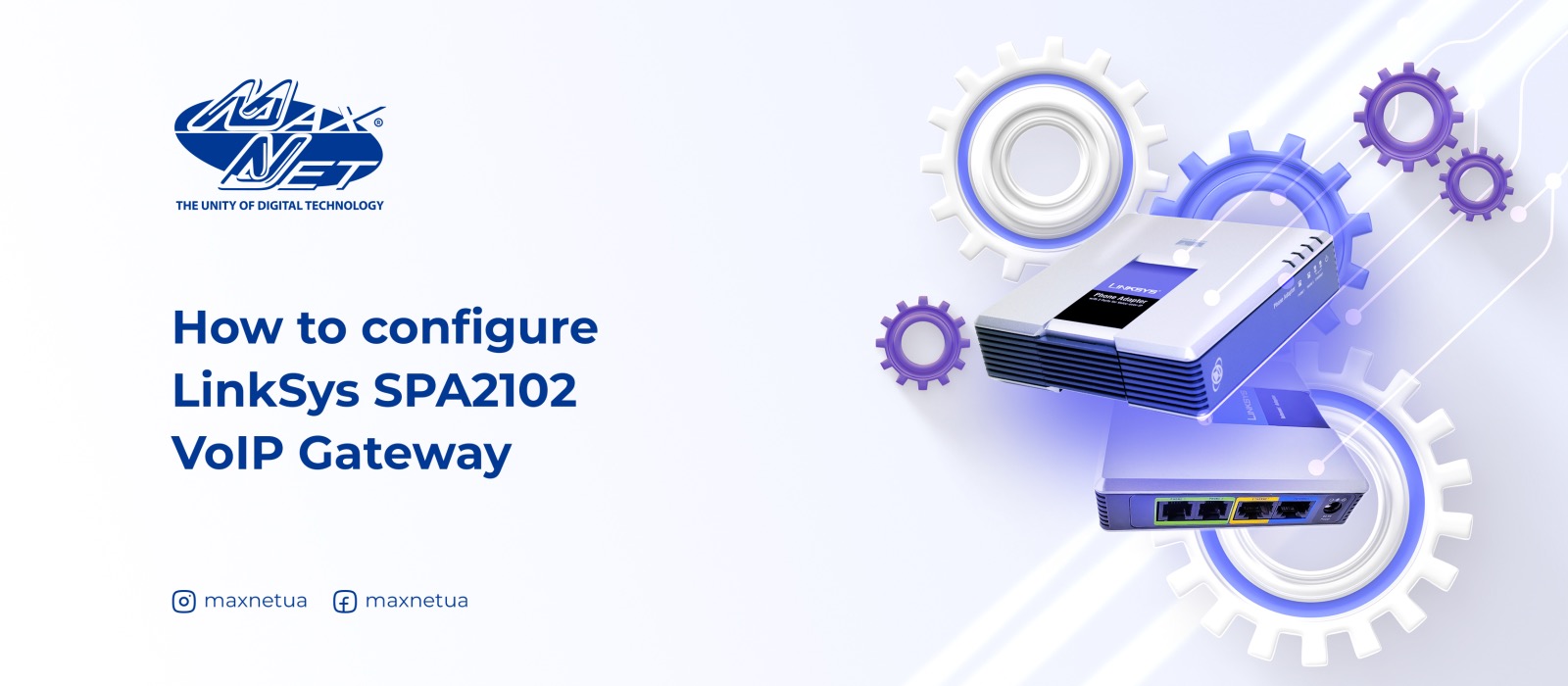
How to configure LinkSys SPA2102 VoIP Gateway

The telephone adapter ports are located on the rear panel. With these ports, the SPA2102 allows you to use analogue devices to make VoIP calls.
How to find out the specifications of your computer Software

How to find out the specifications of your computer

When installing demanding games or applications, updating video card drivers, upgrading components or repairing your computer, it is usually necessary to specify the device characteristics. Modern operating systems allow you to do this with the help of simple tools. The main ones will be discussed below.
Internet safety: what you need to know Internet

Internet safety: what you need to know

We have already told you how to protect your child online in one of our previous articles. Now we are sharing tips on how to take care of your online safety by protecting your gadgets so that your personal data is not taken over by intruders.
10 best free antivirus software for Windows Internet

10 best free antivirus software for Windows

To protect your computer from viruses and other threats, it is recommended to use antivirus software. Since licensed software is expensive, for personal use many Windows users prefer free versions, which in most cases have enough functionality. But because of the variety of such products, it is sometimes difficult to decide which one to choose. After getting acquainted with the effective programmes collected in this article, it will be easier to do so.
How to check hard drive SMART settings in Windows Devices

How to check hard drive SMART settings in Windows

If your operating system is running slow and you are using a hard drive, its defragmentation may help to solve the problem. If you suspect that your internal drive is malfunctioning, the right solution is to use SMART testing.
Ad blocking programs: what you need to know about them Internet

Ad blocking programs: what you need to know about them

In today's Internet environment we are daily faced with a huge number of adverts, which very often interfere with the enjoyment of being online. In such situations, the use of special programs designed to optimise your work on the Internet can help. It is about them that we are telling you.
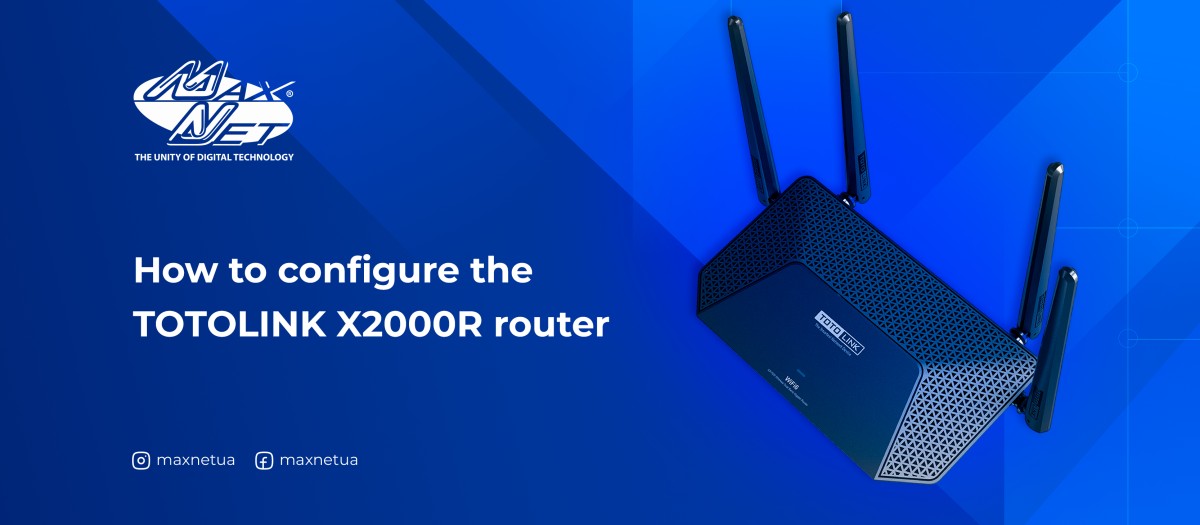
How to configure the TOTOLINK X2000R router Internet

How to configure the TOTOLINK X2000R router

Wi-Fi 6 (IEEE802.11ax) provides a huge boost in speed and overall capacity and takes your Wi-Fi to the next level. And it is backwards compatible with IEEE802.11a/b/g/n/ac Wi-Fi standards.