Blog

Home /

Blog

Useful information on setting up devices

Software: comparison, analytics

The most detailed publications about our services
How to clear your digital footprint: what Google, Meta and other services store about you Internet

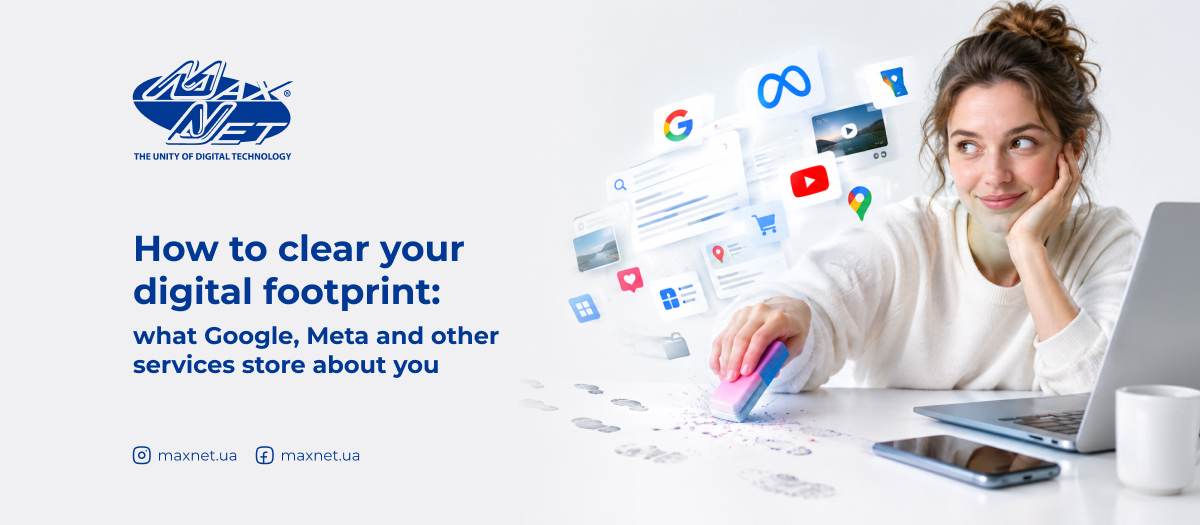
How to clear your digital footprint: what Google, Meta and other services store about you

We leave traces not only when we post photos or write comments on social media. Search queries, videos watched, preferences, purchases, location, apps used and even the websites we visit all form a kind of digital portrait of a person. It is virtually impossible to erase it completely. However, it is entirely possible to clean up your digital footprint, delete unnecessary history and limit further data collection.
Two-factor authentication for online services: how to set it up in 5 minutes Internet

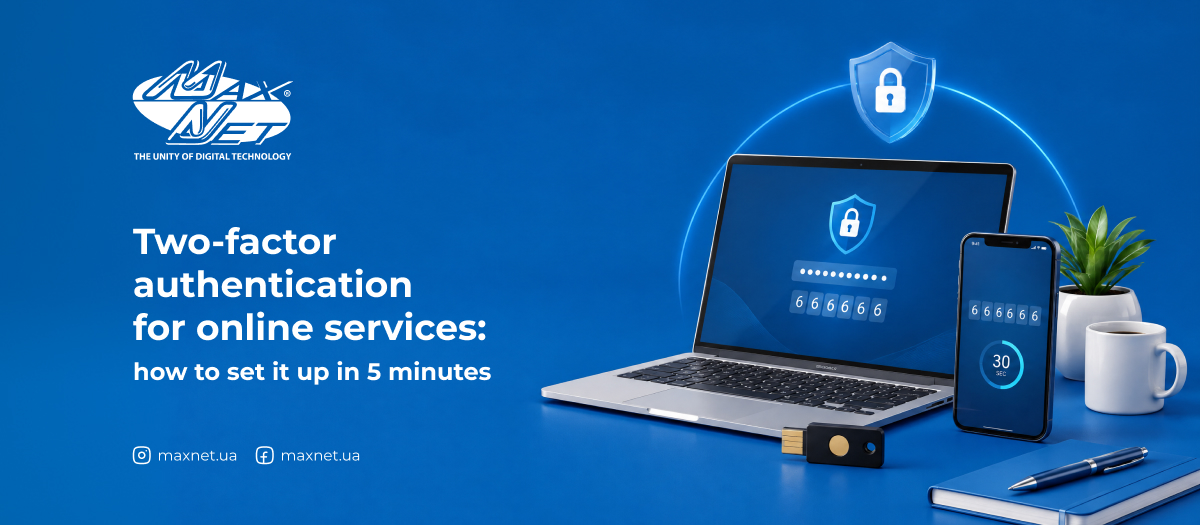
Two-factor authentication for online services: how to set it up in 5 minutes

A single password is like a single lock on your front door. No matter how complex it is, all it takes is one slip-up — and someone else finds themselves in your flat with the key in their pocket. Multi-factor authentication, specifically two-factor authentication (2FA), is a second lock that works independently of the first: even if someone has got hold of your password, without the second factor they’ll still be left standing in front of a locked door. Next, we’ll look at the different methods of identity verification available, how they differ, and where exactly you should enable 2FA as a priority.
The main types of FTTx technologies: how they differ from one another Internet

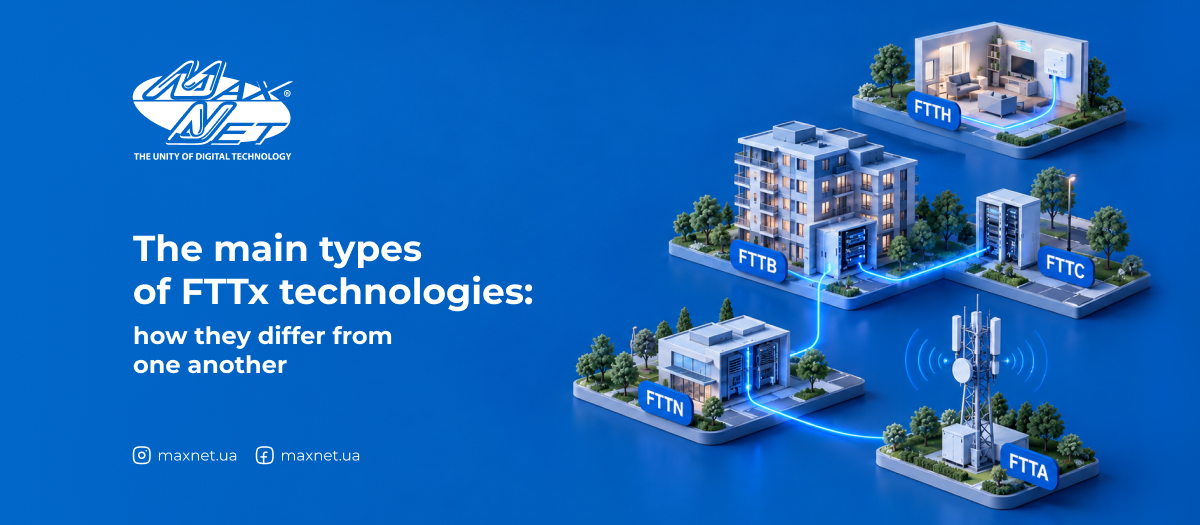
The main types of FTTx technologies: how they differ from one another

If you’ve ever come across an abbreviation such as FTTH or FTTB in a tariff description and simply skimmed past it — this article is just for you. In fact, behind these confusing letters lies a fairly simple concept that’s easy to grasp even without a technical background. Let’s take a look at what these technologies are, how they differ, and which one Maxnet uses.
How to find out who is connected to your Wi-Fi Internet

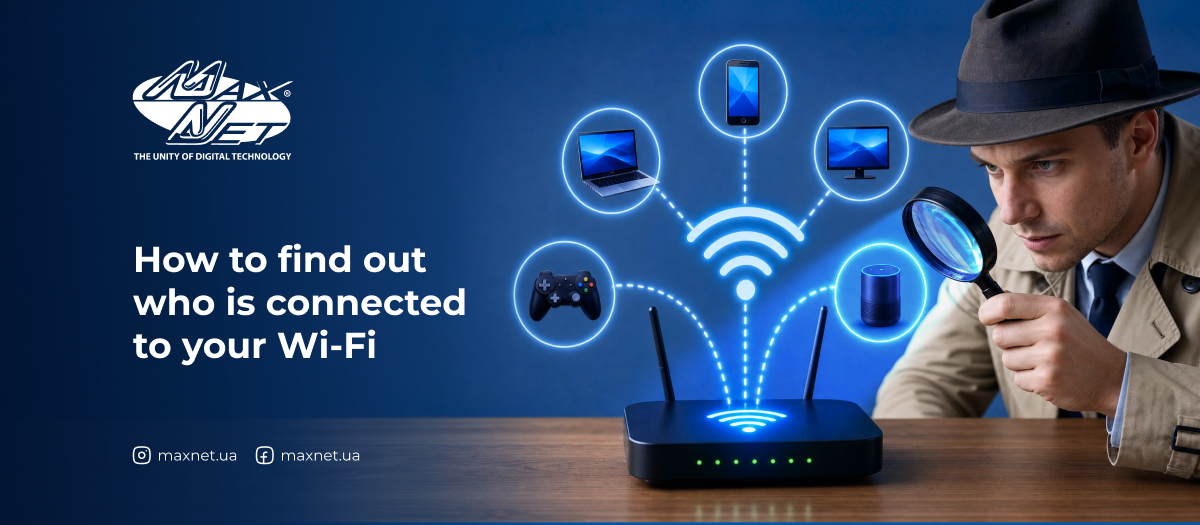
How to find out who is connected to your Wi-Fi

Your internet has started to «slow down» for no apparent reason, videos are buffering, and web pages are loading more slowly than usual — and your first thought is usually: «there must be something wrong with my internet provider». But there’s another, less pleasant reason: someone unauthorised has connected to your network and is using up your bandwidth. The good news is that you can detect unauthorised connections yourself using a few simple tools and settings.
Shadowban on social media: how to tell if you've been shadowbanned and how to get out Internet

Shadowban on social media: how to tell if you've been shadowbanned and how to get out

Social networks are known for their silent punishments. Without warnings, messages, or explanations, your account can simply lose its former activity and visibility to other users. Meanwhile, your profile continues to function, and you may not immediately notice the problem. This hidden type of restriction is called a shadowban. We explain what it is, why it occurs, and how to overcome it.
How to delete an inactive online account Internet

How to delete an inactive online account

How many online accounts have you registered in your life? Email, social media, online stores, forums, services for school or work, apps you tried once and forgot about. People have dozens of such accounts — and most of them haven't been used for a long time. We'll explain what to do with inactive accounts — and how to delete or restore them if you ever need them.
What kind of Wi-Fi do you need? An overview of wireless Internet standards. Internet

What kind of Wi-Fi do you need? An overview of wireless Internet standards.

When was the last time you stopped to think about what kind of Wi-Fi your router is providing? Most likely, never. You’ve got the Internet, everything works – and that’s fine. But as soon as you start thinking about buying a new router or choosing a tariff, you’re faced with a host of confusing terms: Wi-Fi 5, Wi-Fi 6, 802.11ac, 2.4 GHz, 5 GHz. What do they mean, and do they matter to the average user? Let’s take a look.
Why your router may be dangerous: default passwords and simple security rules Internet

Why your router may be dangerous: default passwords and simple security rules

The router sits somewhere in the corner, blinking its lights and seemingly just doing its job. Most of us don't think about it: as long as there's Internet, everything is fine. But this inconspicuous device is the main «entrance door» to your home network. And if these doors are open, you may not even know it. We explain the risks and what you can do to protect your Wi-Fi space.
Pirated and licensed games: pros, cons, and real costs for gamers Internet

Pirated and licensed games: pros, cons, and real costs for gamers

Gaming in Ukraine is rapidly developing: new titles are released annually, consoles are being improved, and computer games are becoming increasingly realistic. But despite all this progress, Ukrainian gamers still face a choice: download a pirated game for free or buy a licensed copy? Some argue that licensed games are expensive and impractical. Others argue that pirated versions carry more risks than benefits. Who is right? Let's figure out which is actually more profitable and safer.
TOP-10 useful Telegram bots that will save you time Internet

TOP-10 useful Telegram bots that will save you time

In recent years, Telegram has evolved from a regular messenger into a universal platform. And the main helpers here are free, interesting Telegram bots that work simply online and do not require the installation of separate applications or subscriptions. They are like small, quick-fix services: open, write, and get immediate results. No unnecessary settings or expenses.