Blog

Home /

Blog

Useful information on setting up devices

Software: comparison, analytics

The most detailed publications about our services
How to check that your equipment is ready for Internet speeds in excess of 100 Mbit/s Internet

How to check that your equipment is ready for Internet speeds in excess of 100 Mbit/s

To get speeds in excess of 100 Mbit/s you need a transmission environment that enables you to achieve these speeds. Here's how to check that your equipment is suitable for it.
8 tips for using public Wi-Fi Internet

8 tips for using public Wi-Fi

Stealing money from your cards and taking over your accounts will be easier if you give the attackers access yourself. Today we'll tell you how to protect yourself from scammers when using open Wi-Fi.
Wi-Fi 7: a look into the future Internet

Wi-Fi 7: a look into the future

Using cable connections to connect devices in the local network is slowly becoming a thing of the past. Wireless connectivity technologies, which allow people to share data from various devices with high efficiency, are what the future holds. And in this article, we'll try to lift the veil by sharing some interesting information about Wi-Fi 7 with you.
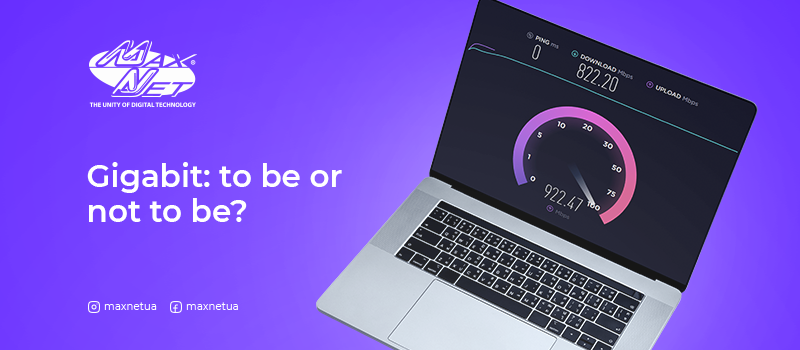
Gigabit: to be or not to be? Internet

Gigabit: to be or not to be?

When answering the question «What is Gigabit Internet?», network users at the inception of this technology necessarily equated it with luxury. Today, 1Gbit/s is not new to people and is associated with comfort. This change of mind is due to the increase in the volume of files, the number of devices connected to the home network and the constant evolution of technology. If you still haven't upgraded to gigabit Internet, don't delay taking that step (especially if you have to pay attention to connection speeds more than three times a week).
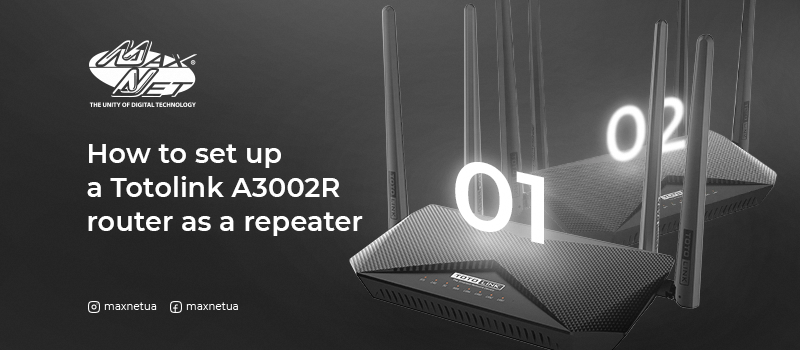
How to set up a Totolink A3002R router as a repeater Internet

How to set up a Totolink A3002R router as a repeater

If you have several routers at your disposal, one of them can be used as a repeater to strengthen the signal and thereby increase the coverage area. To do so, you will need to bridge between the pair of devices. See our instructions on how to do this correctly.
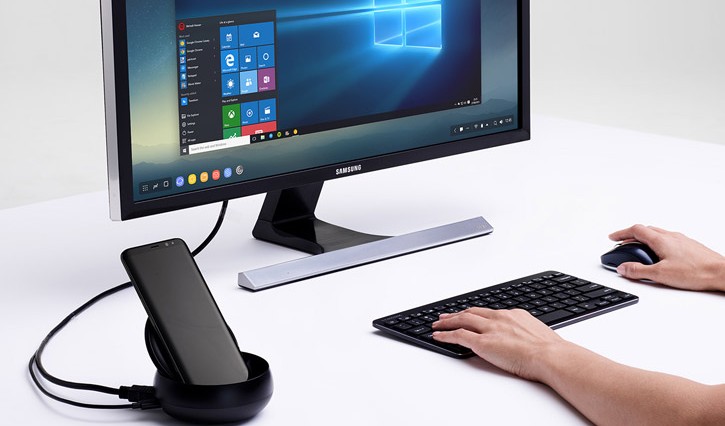
How to set up the Internet on a PC through a phone Internet

How to set up the Internet on a PC through a phone

Who says that these days only twisted pair and fibre optic cables supply the Internet? Today we will tell you how to connect to the network using an Android or iOS smartphone.
6 reasons to connect PON in an apartment Internet

6 reasons to connect PON in an apartment

Networks in megacities all over the world today are built on the basis of PON technology. «Maxnet» is always in step with the times and is one of the first in Kharkov to introduce PON to connect subscribers in apartment buildings.
Let's find out what the benefits of the technology are and why you should take advantage of our unique offer.
Big brother is watching you. Or not? Internet

Big brother is watching you. Or not?

A taped-up webcam is no surprise to anyone these days. It is covered to protect against intruders entering your personal space. Let's talk about the justification for such a move.
What to do to prevent your home Wi-Fi from going public Internet

What to do to prevent your home Wi-Fi from going public

Previously, we've talked about how to use public networks safely. But what if connecting to your Wi-Fi is as easy as connecting to a network in a cafe? Let's work out how to protect your network.
Everything you need to know about networking equipment Internet

Everything you need to know about networking equipment

If you are curious about the differences between a switch, hub, router, hub and switch, this article is for you. Today we will explain in simple terms how the main network devices work and the differences between them.