

Error
Error
Error

Subscribed
The request was successfully sent
Error
Message sent
Error
There is "Maxnet" coverage at Your address
The request was successfully sent

No coverage
Error
Feedback sent successfully
Error
Feedback sent successfully
Error
Request sent successfully
Error
Rating sent successfully
Error
CV sent successfully
The request for the domain transfer is successfully sent
Error


04.03.2026
Devices
624
Unfortunately, power outages have become a part of our reality. But while we've gotten used to the darkness, our routers and other network equipment haven't. Every sudden power outage is like a sudden shock to our equipment. And with each «shock», the likelihood of failure increases. Let's figure out why routers and other Internet devices fail during blackouts, what exactly breaks down, and, most importantly, how to prevent it.
What happens to a router during a power outage
When you're working on your computer and someone suddenly pulls the power cord, the hard drive can't write data, processes freeze, and the system becomes corrupted. This is exactly what happens to a router during every power outage.
There are two types of problems encountered in such a situation: software failures that occur during the outage itself, and physical damage from power surges when the power returns. Let's look at both.
Software failures
These can be identified by the following symptoms:Physical damage
But the real danger awaits the router not during a power outage, but when the power comes back on. When the power returns, the voltage in the network can briefly jump to 260-280V instead of the standard 220V. Such a surge can instantly fry sensitive electronics.
What suffers most often:Important: often, a router doesn't fail immediately, but becomes unstable. For example, two of the four ports stop working, the Wi-Fi signal begins to disappear, or the Internet speed drops.
Special considerations for subscribers with GPON connections
If you're a Maxnet subscriber with a fiber optic connection (GPON/PON), you have another device in your network — an ONU (Optical Network Unit). This is the «little box next to the router» that converts the optical signal into regular Internet for distribution. And here, the problems can be twice as great.
The optical terminal is also at risk:A common user thought: «The router is working, there's Wi-Fi, but there's no Internet — then the problem is with the ISP». In fact, if the Internet is gone after a power outage, but the router is still on, the first thing to check is the ONU.
How to check the ONU:Important: if the ONU is faulty, only your provider can replace it. If you suspect a problem with this device, contact Maxnet technical support.
Overheating after mass power-ups: a hidden threat
There's another problem that few people are aware of: equipment overheating after the power comes back on.
When the power comes back on after a long outage, the following occurs:All of this happens simultaneously, and the device overheats. This situation is especially dangerous in the summer or if the router is in a closed cabinet.
To minimize the risk of overheating and damage to your equipment, follow these guidelines:These steps will stabilize the voltage in the network, distribute the load to other devices in the apartment or house, and allow the router's power supply to start up smoothly without rebooting.
Basic ways to protect your router and other devices
Now, to the main point: how to protect your equipment from power surges. Depending on the protection level, you can choose the minimum, optimal, or maximum program.
Level 1. Basic protection.
This can be achieved with a surge protector. Don't confuse this with a regular power strip. You need a surge protector with varistors, which dampen power surges.
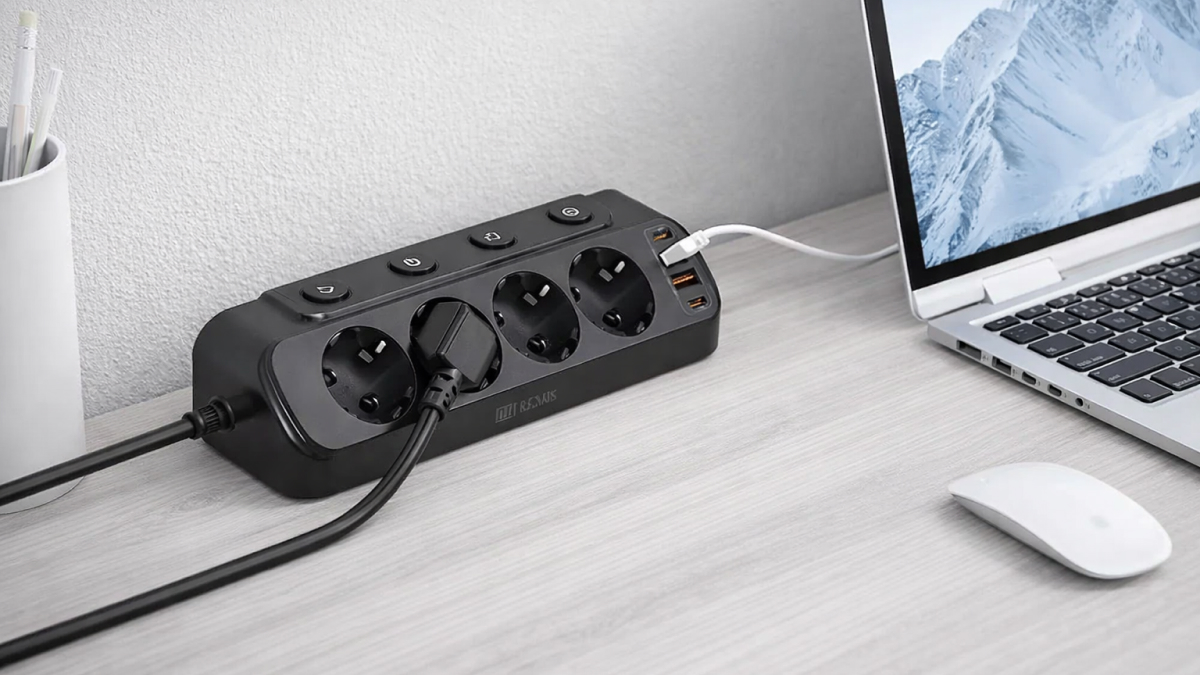
What to look for to ensure minimum protection:Cost: 300-800 UAH. The investment pays for itself with the first router saved.
Important: the varistors in the filter have a limited lifespan. After several strong voltage surges, they «sacrifice» themselves, protecting the equipment. If the protection indicator goes out, it's time to buy a new filter.
Level 2. Automatic protection for an apartment/house.
For this, you will need a voltage relay (circuit breaker). This is a device installed in the electrical panel and automatically turns off the power if the voltage goes beyond safe limits (180-250V).
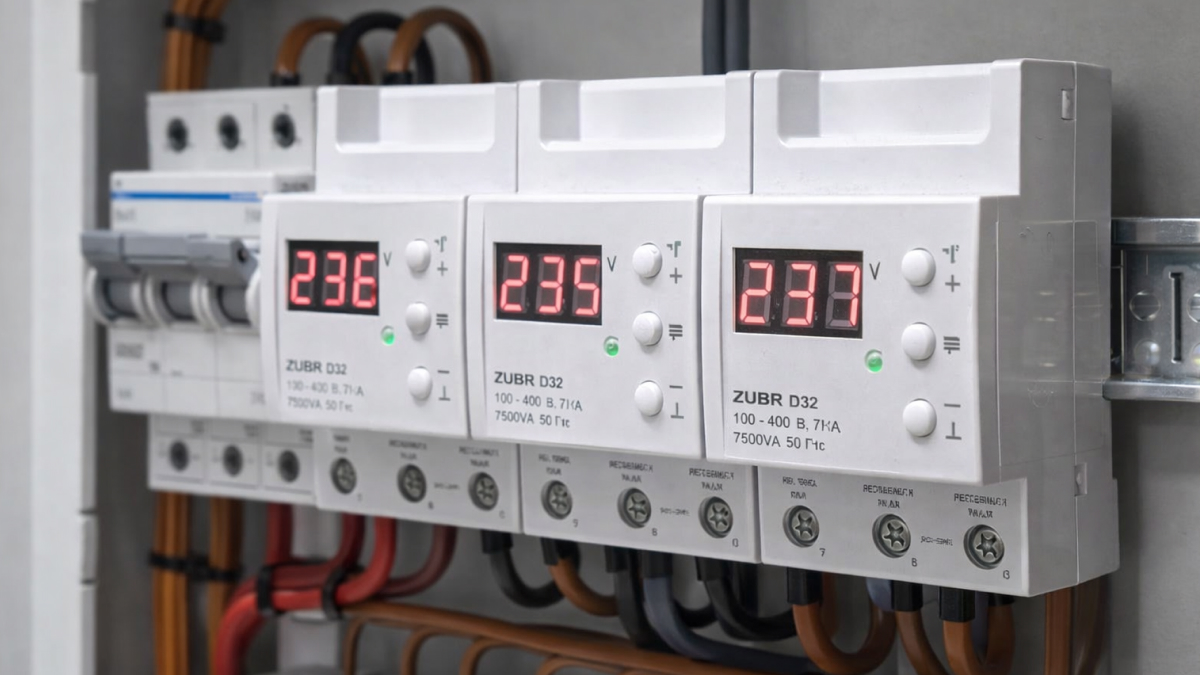
This optimal solution offers the following advantages:However, there is one drawback: installing the surge protector requires the help of an electrician.
Level 3. Complete autonomy.
An uninterruptible power supply (UPS) provides maximum equipment protection. This device not only protects against power surges but also provides Internet access during power outages.
Depending on their intended purpose, these may include:
-
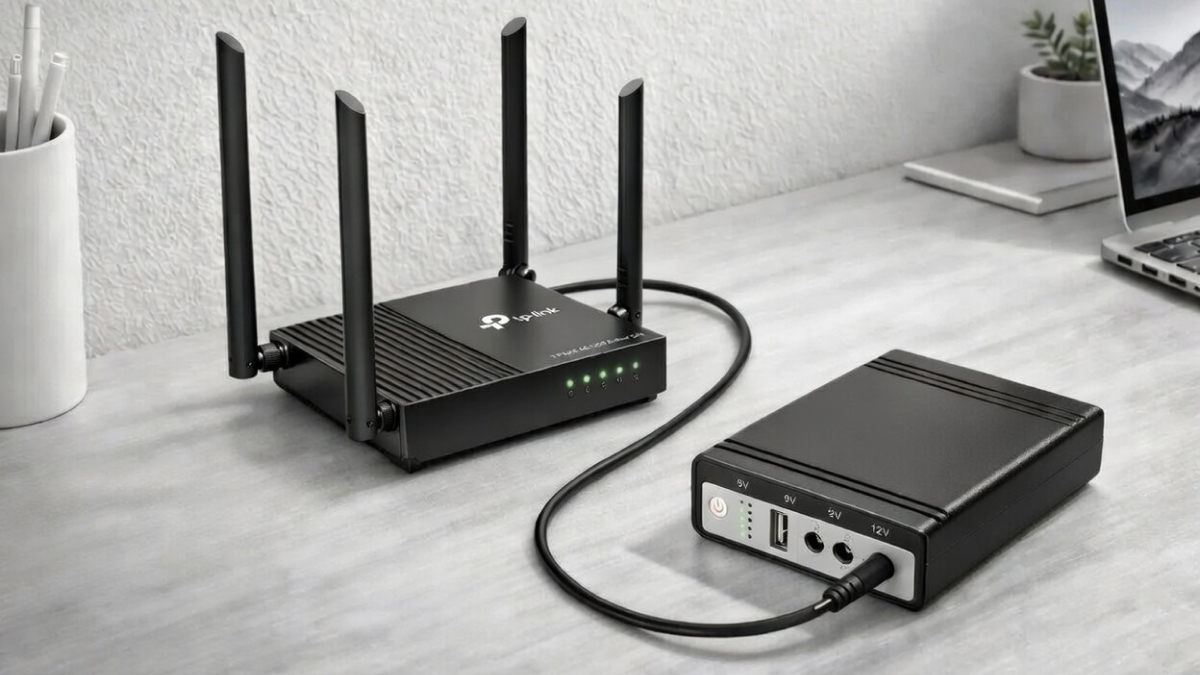
Mini-UPS for routers. These are compact devices, the size of a power bank, designed specifically to power routers and other lightweight network equipment. Depending on the battery capacity, they can provide 4 to 12 hours of continuous operation, which is sufficient for a router and ONU combined. These solutions cost between 1,500 and 5,000 hryvnias.
-
Classic computer UPSs. These UPSs are larger and heavier, but they also offer more capabilities. They allow you to simultaneously connect not only a router with an ONU, but also a laptop or other devices. However, the battery life of computer UPSs is shorter — from 30 to 120 minutes, depending on the power rating and the number of connected devices. Price range: 2,000-10,000 hryvnias.
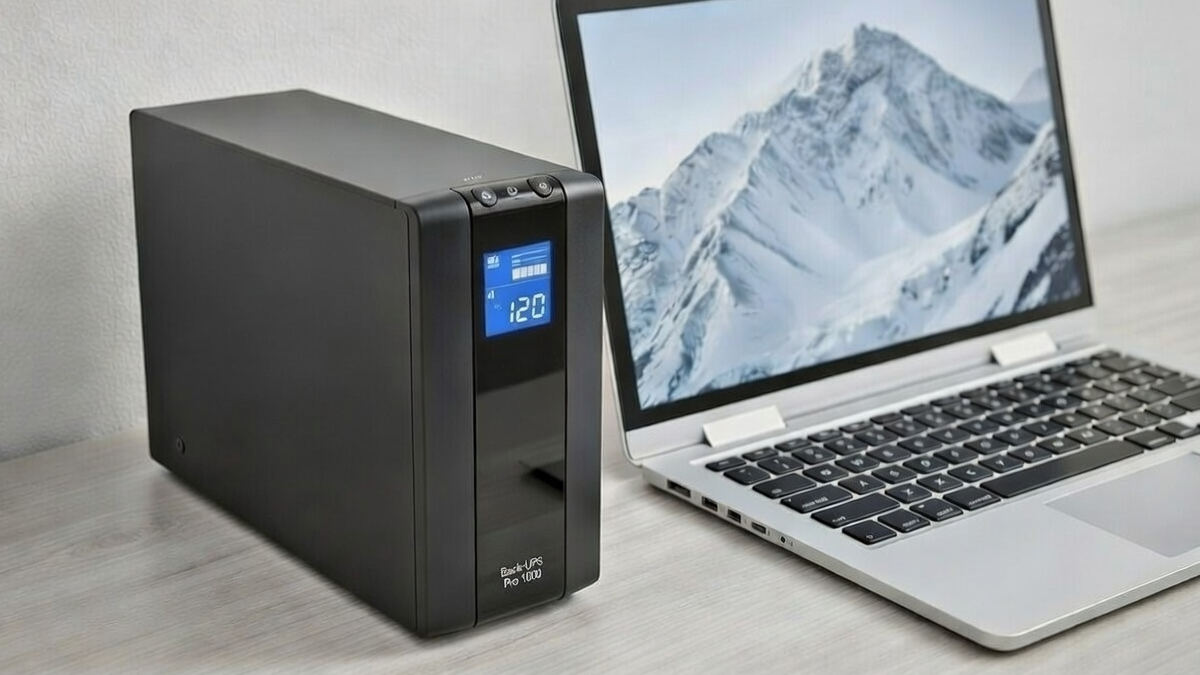
How to choose between these two options:Important information for GPON Internet users: make sure the UPS has enough ports to power both the router and the ONU simultaneously. If you only power the router, you won't have Internet access.
To help you decide on your protection options, we've compiled all the solutions described into a single table.
Additional tips for operating network equipment
Remember that even the best UPS is no substitute for proper equipment maintenance. Here are a few simple recommendations that will extend the life of your router and help avoid unpleasant surprises at the most inopportune moments:
Important: use only power supplies with the correct specifications (voltage and current). An incorrect power supply can cause even more damage.
Why fast Internet is a must-have during blackouts
Even the best router protection against power surges is meaningless if the basic connection is unstable. Internet quality depends not only on your equipment but also on your provider's infrastructure.
Advantages of Maxnet GPON technology:When the power goes out but you have a UPS, you stay online. You can continue working, studying, watching movies, or simply staying connected.
The optimal setup for uninterrupted operation:With this setup, you can work even in the most challenging conditions. The main thing is, don't wait until your router fails. Prevention is always cheaper than repairs or buying new equipment.
Вам сподобалась публікація?
Share
Comments (0)
More comments