
Share
Paying for Maxnet services is now even more convenient!
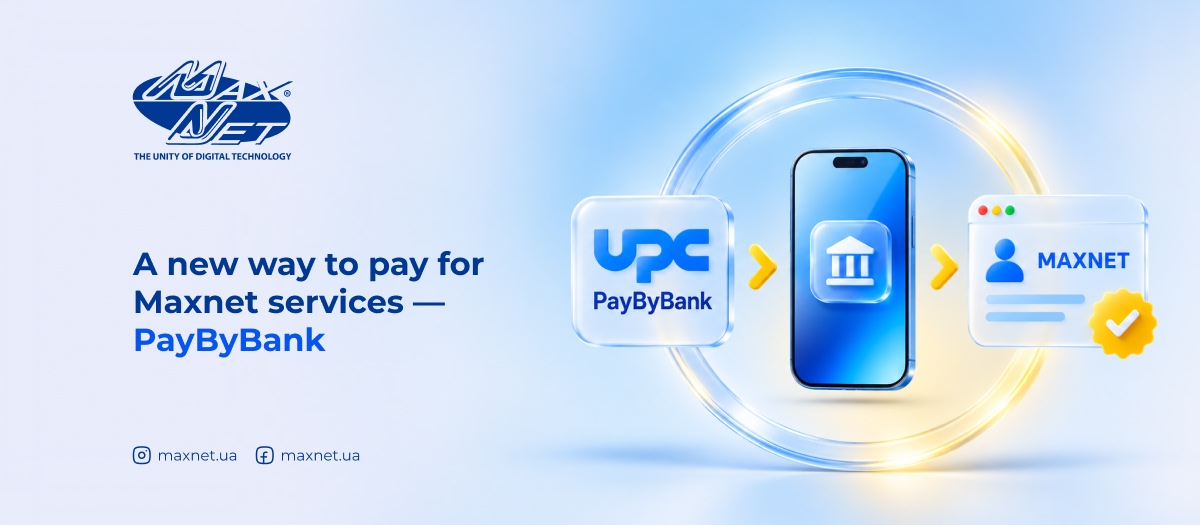
You can now top up your Maxnet account using PayByBank by UPC — a fast payment service that lets you pay through your preferred banking app without manually entering payment details or card information.
The service uses A2A (Account-to-Account) technology, which enables direct transfers between bank accounts. To make a payment, all you need is your Maxnet account number and the top-up amount.
PayByBank supports more than 30 banking apps, including PrivatBank, monobank, A-Bank, PUMB, Sense Bank, Raiffeisen Bank, UKRSIBBANK, Ukrgasbank, OTP Bank, Kredobank, NovaPay, and others.
Go to the quick payment page using this link or select "Pay via bank" in the "Payments → Bank payments" section of the Maxnet website.
Enter your Maxnet account number and the top-up amount, then select your bank. The service will automatically redirect you to the corresponding banking app, where the payment will be prepared with all the necessary details. All you need to do is review the information and confirm the payment.
Try this new payment method — top up your Maxnet account directly through your bank with no extra hassle!

The request was successfully sent

Error
Message sent
Error

There is "Maxnet" coverage at Your address
The request was successfully sent

No coverage
Error
Feedback sent successfully
Error
Request sent successfully
Error
Rating sent successfully
Error
CV sent successfully
The request for the domain transfer is successfully sent
Error


Error
Sorry, an error has occurred. Please try again.
Feedback sent successfully
Thank you, your feedback has been successfully sent and will be published on the site after passing moderation