Blog

Home /

Blog

Useful information on setting up devices

Software: comparison, analytics

The most detailed publications about our services
Choosing a router for fibre-optic broadband: 7 factors that really matter Devices

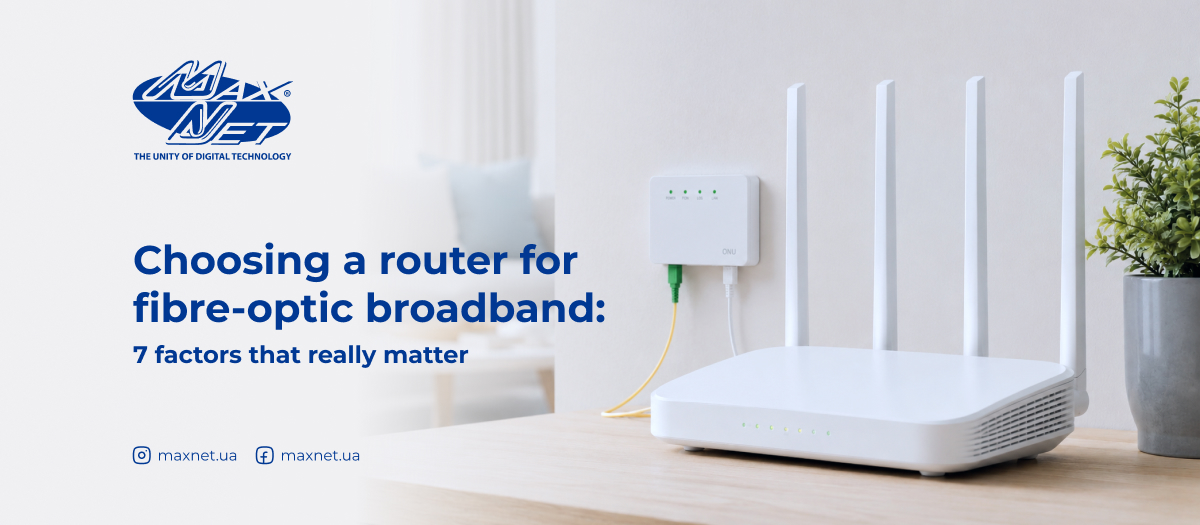
Choosing a router for fibre-optic broadband: 7 factors that really matter

Fibre-optic broadband is like a wide, high-speed motorway. But if your router is an old «Zaporozhets», all that speed simply won’t reach your devices. Choosing the right router for fibre-optic broadband isn’t actually as difficult as it seems, if you know what to look for. Let’s look into this together.
How to check your laptop’s battery charge Devices

How to check your laptop’s battery charge

It’s a familiar situation: you see «60%» on your laptop screen, yet the device switches off after just twenty minutes of use without being plugged in? The figure is there, but it doesn’t reflect the actual battery life. The reason is simple: the charge percentage and the actual condition of the battery are not the same thing. Here’s how to check your laptop’s battery charge and find out how much life is actually left in it.
Tackling digital clutter: simple ways to free up space on your computer Devices

Tackling digital clutter: simple ways to free up space on your computer

Just a few years ago, your computer was «lightning fast», but now it suddenly seems to «think» before every action: programmes open more slowly, updates won’t install, and so on? More often than not, the problem isn’t down to old hardware, but to the fact that your hard drive is gradually filling up without you realising it. We’ll explain what can take up a lot of space on your hard drive and how to quickly sort things out without any specialist knowledge or the help of a technician.
How to give an old laptop and smartphone a new lease of life Devices

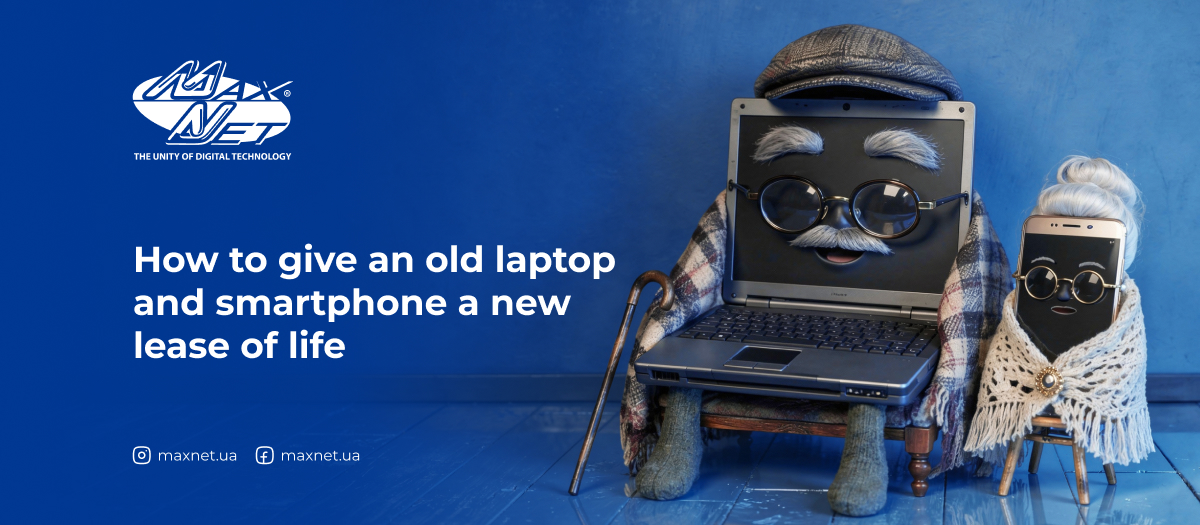
How to give an old laptop and smartphone a new lease of life

If you look around, you’re bound to find a box or shelf in every home where «a that» phone or laptop is sitting. It still works, but it’s slow. It’s no longer your main device, but it’s not rubbish either — it’s simply been put aside «for later». Here’s how to give your old devices a new lease of life and get real use out of them.
How to quickly transfer files from your phone to your laptop or another phone Devices

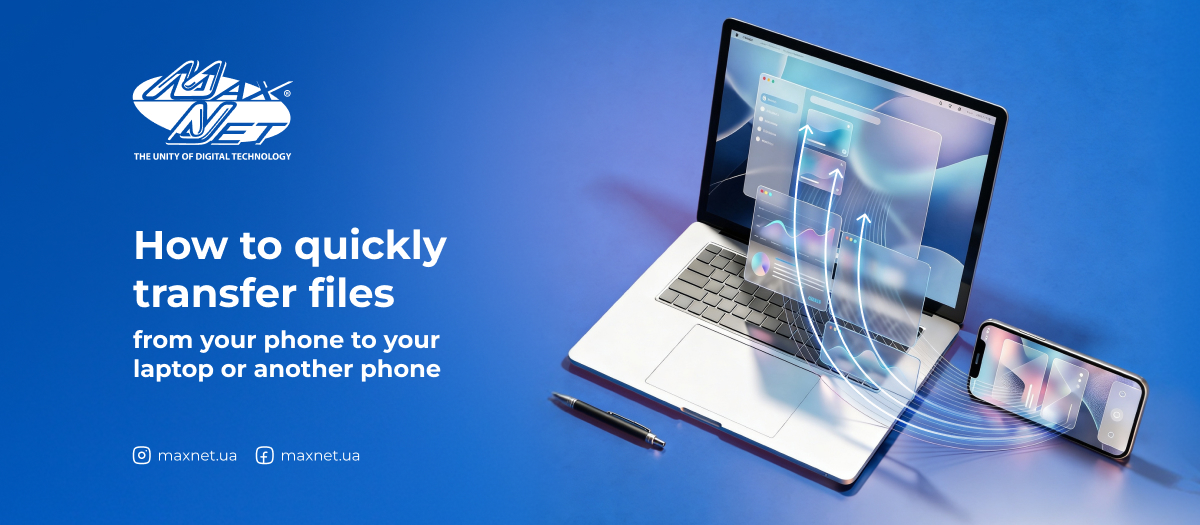
How to quickly transfer files from your phone to your laptop or another phone

It’s a familiar situation: you’ve got the document you need on your phone, but you need to open it on your computer? Or the other way round: you’ve downloaded something on your laptop but want to view it on your smartphone? Or perhaps you need to quickly send a photo to a friend who has a different type of phone? It might seem like a minor thing, but if you go about it the hard way, you could end up spending more time on the transfer than on the actual work. Here are the main ways to quickly transfer data between devices.
Why your router may be dangerous: default passwords and simple security rules Internet

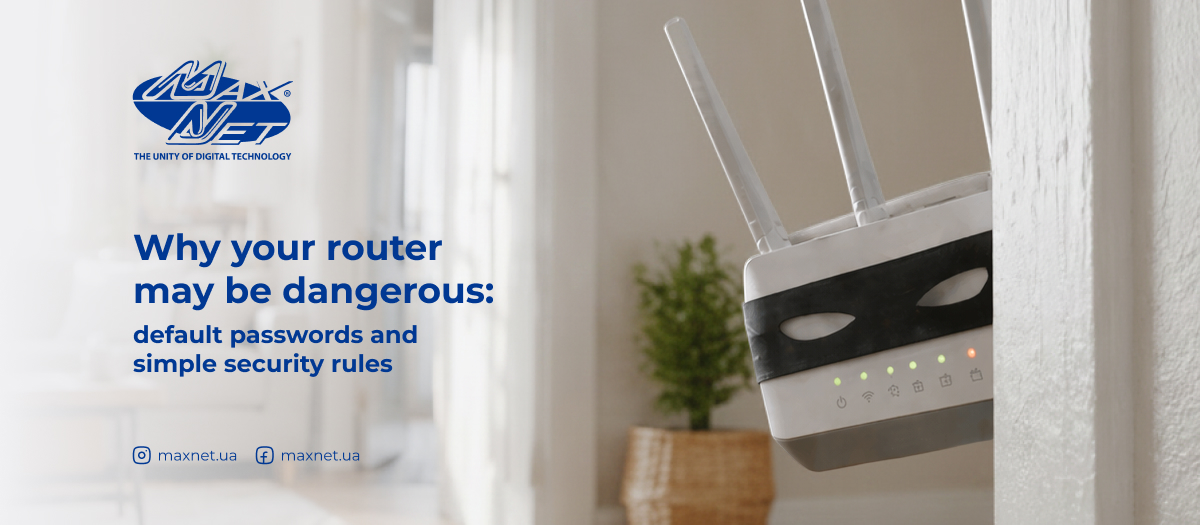
Why your router may be dangerous: default passwords and simple security rules

The router sits somewhere in the corner, blinking its lights and seemingly just doing its job. Most of us don't think about it: as long as there's Internet, everything is fine. But this inconspicuous device is the main «entrance door» to your home network. And if these doors are open, you may not even know it. We explain the risks and what you can do to protect your Wi-Fi space.
How to secure access to your router: a guide for Mikrotik users Devices

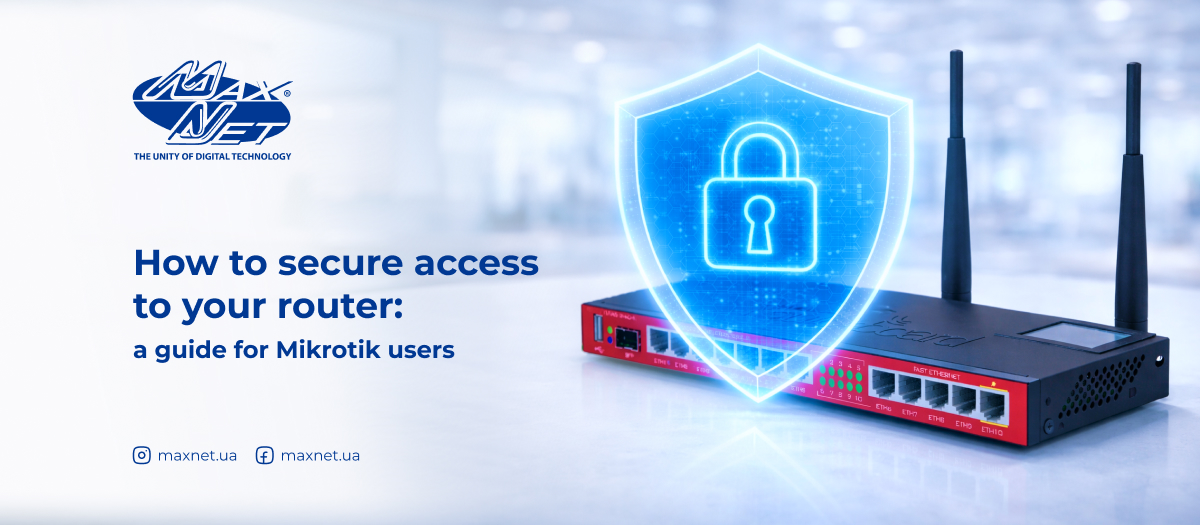
How to secure access to your router: a guide for Mikrotik users

Your home router is the center of your Internet network. Everything from watching videos to working with documents and online banking goes through it. But it's also one of the most vulnerable access points. Many of you don't even realize that an unsecured router can be an easy target for hackers. And we're not talking about sophisticated attacks — basic errors in MikroTik security settings are often enough. Let's figure out what you absolutely need to check and fix.
Laptop camera: how to enable, check, and protect from hackers Devices

Laptop camera: how to enable, check, and protect from hackers

A laptop's webcam has become an integral part of our digital lives. Online meetings with colleagues, studying, and communicating with family all require a working «digital eye». But what do you do when it suddenly stops working just when you need it most? We'll explain how to check your laptop's camera and enable it using various methods. Even if you're not a techie, these simple instructions will help you solve most problems yourself.
How to protect your router and other network equipment in unstable power conditions Devices

How to protect your router and other network equipment in unstable power conditions

Unfortunately, power outages have become a part of our reality. But while we've gotten used to the darkness, our routers and other network equipment haven't. Every sudden power outage is like a sudden shock to our equipment. And with each «shock», the likelihood of failure increases. Let's figure out why routers and other Internet devices fail during blackouts, what exactly breaks down, and, most importantly, how to prevent it.
The truth about charging gadgets: debunking 10 popular myths Devices

The truth about charging gadgets: debunking 10 popular myths

Do you also remember how friends or shop assistants assured you that you must completely discharge your new phone before charging it for the first time? Or that leaving your smartphone to charge overnight is a sure-fire way to ruin the battery? There is so much advice and recommendations surrounding gadget charging that it is not easy to figure out what is true and what is fiction. That is why we decided to debunk the most popular myths about it.